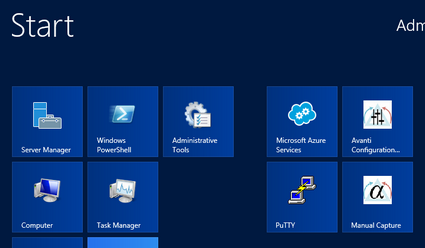
Create a Start shortcut from the Avanti Configuration Utility using the File> Add configuration to start menu… command. See Avanti Configuration Utility for a description of the utility. Select the configuration's shortcut from Start to launch it. The shortcut is stored in Avanti Virtual Alpha> Configurations; on Start-screen versions of Windows, it may appear directly as a tile, as shown here.
Note: When accessing a physical device like a CD-ROM, Avanti needs to run from an account with administrator rights.
